Your logbook, as a logbook.
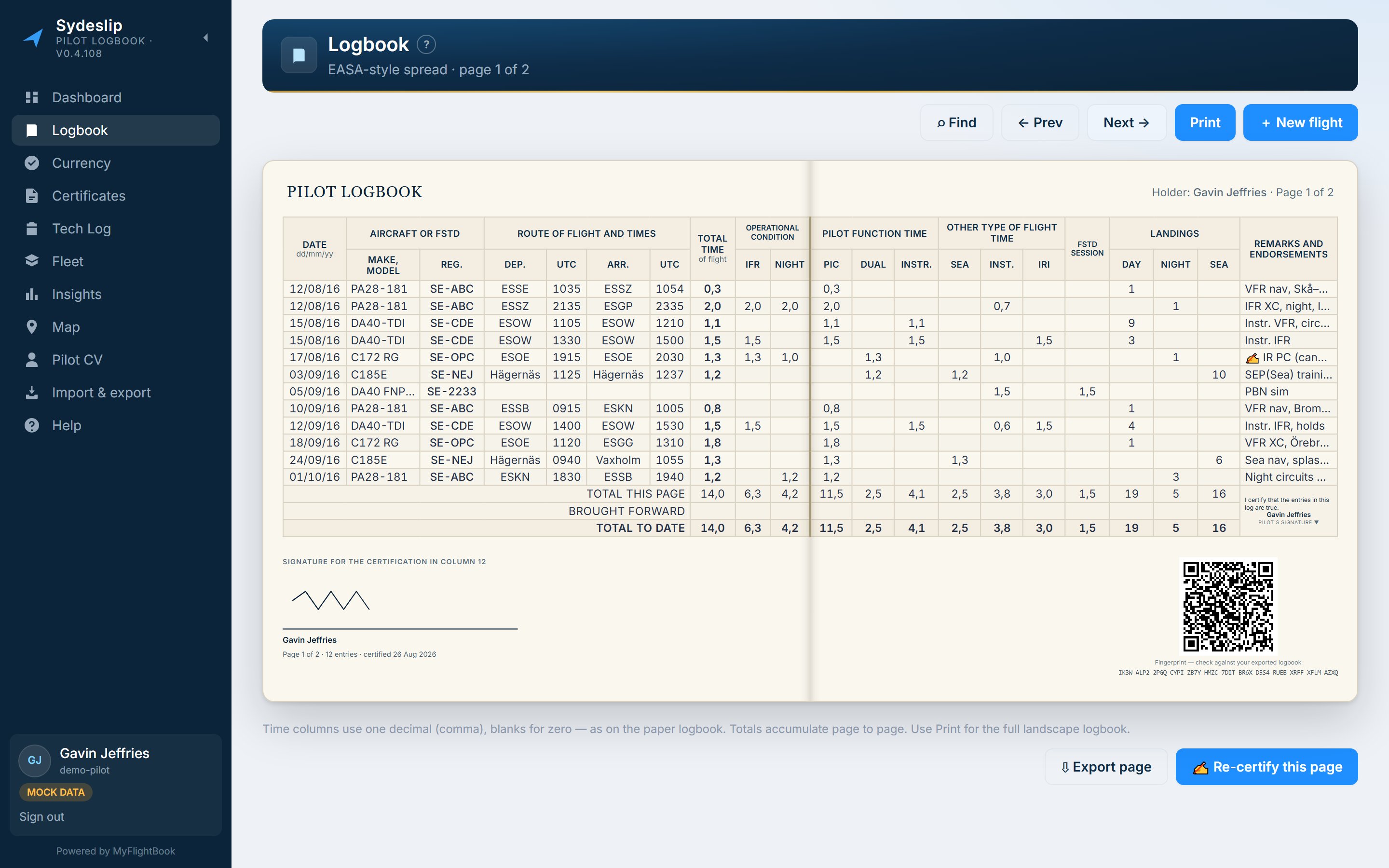
Sydeslip reads your MyFlightBook flights and lays them out the way a paper logbook is laid out — a two-page EASA-style spread you can turn, certify, sign and print. It runs on the iPad and on the desktop, and it keeps your records exactly where they already are. It is free, and there is nothing to buy later.
Free — no subscription, no trial · nothing to install · no Sydeslip account, you sign in with MyFlightBook
MyFlightBook holds the data. Sydeslip is the other half.
The book in your flight bag, the totals an examiner wants to see, and the few records MyFlightBook has nowhere to put.
A spread that turns like a book
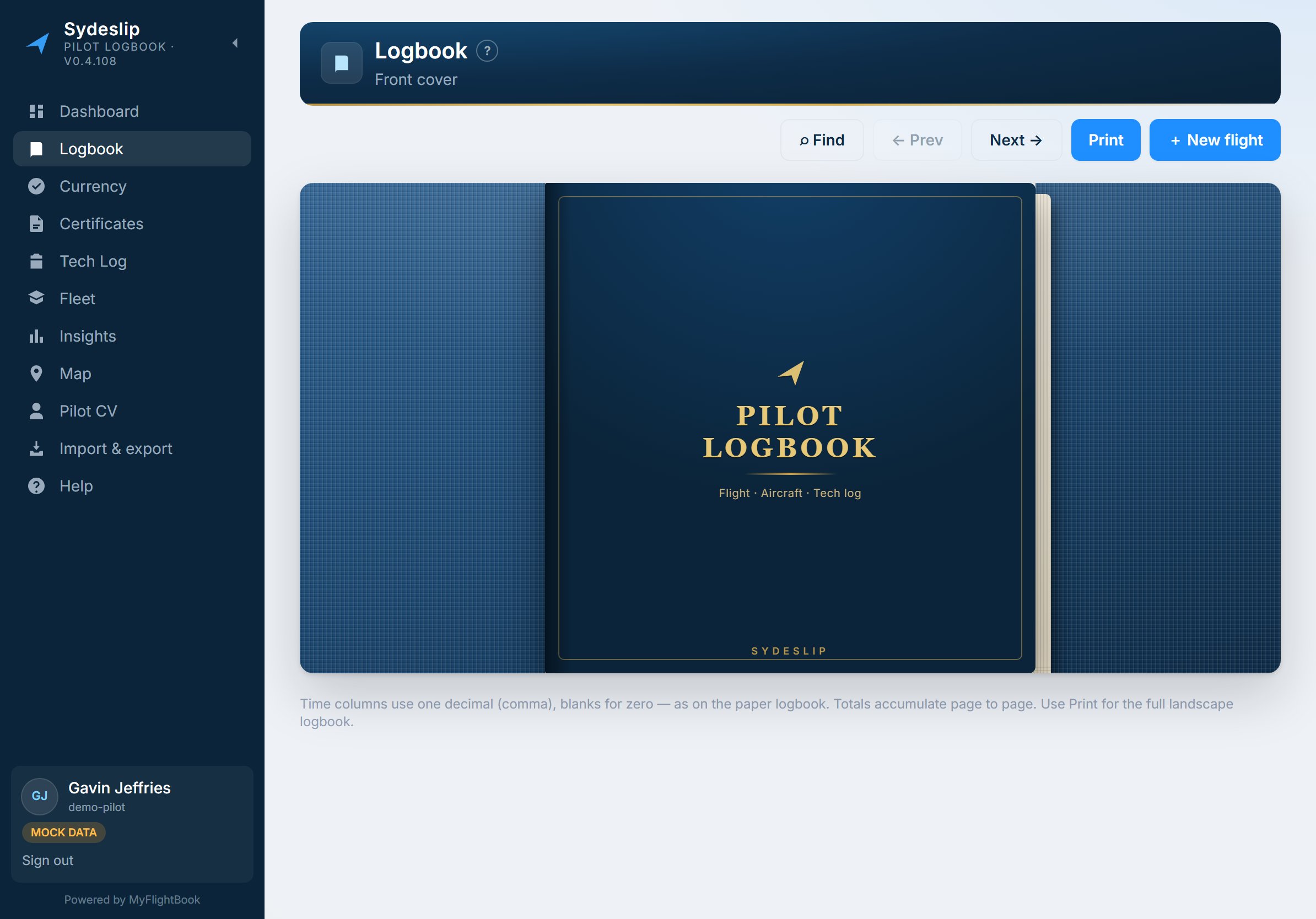
Twenty-one columns across two facing pages, the crease down the middle, page totals and brought-forward figures where they belong. It opens with a flourish, turns with the arrow keys on screen, and prints as the same sheet.
The sheet is fitted to the window's height as well as its width, so it never runs off the bottom of the screen.
Certify a page, and prove it later
Sign off a page's totals with your signature, a QR code and a short fingerprint printed below the grid. Anyone holding the printed sheet can check the code against the page.
What it tells them is exactly "unaltered since it was certified" — not that the entries are correct, and not that anyone has approved them. Edit a flight afterwards and the page correctly shows as changed; re-certifying adds a new certification rather than replacing the old one.
Everything that matters, on landing
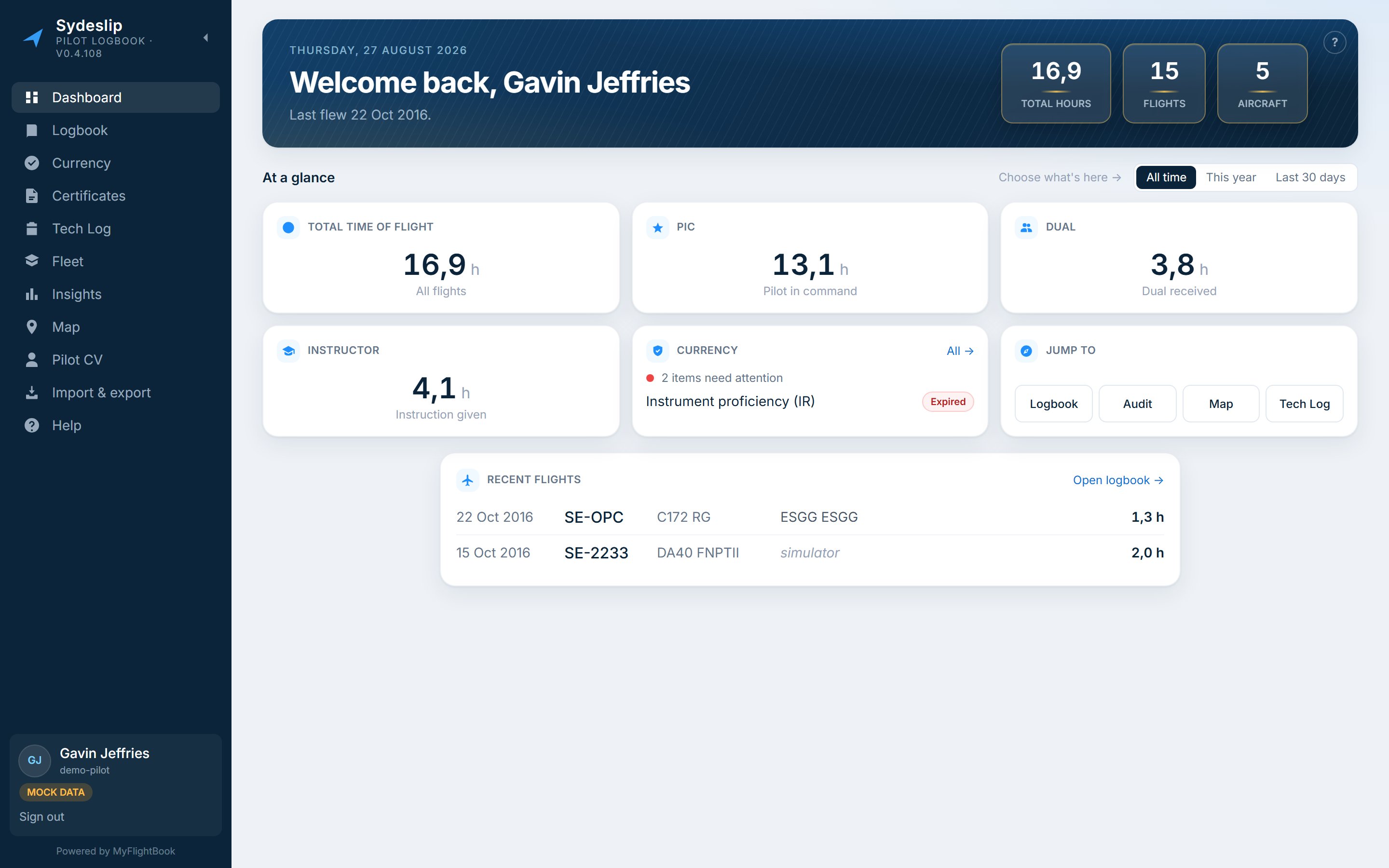
Hours, recent experience, what is expiring and what needs your attention — the dashboard answers the questions you actually open a logbook to ask, and links straight into the page that can do something about each one.
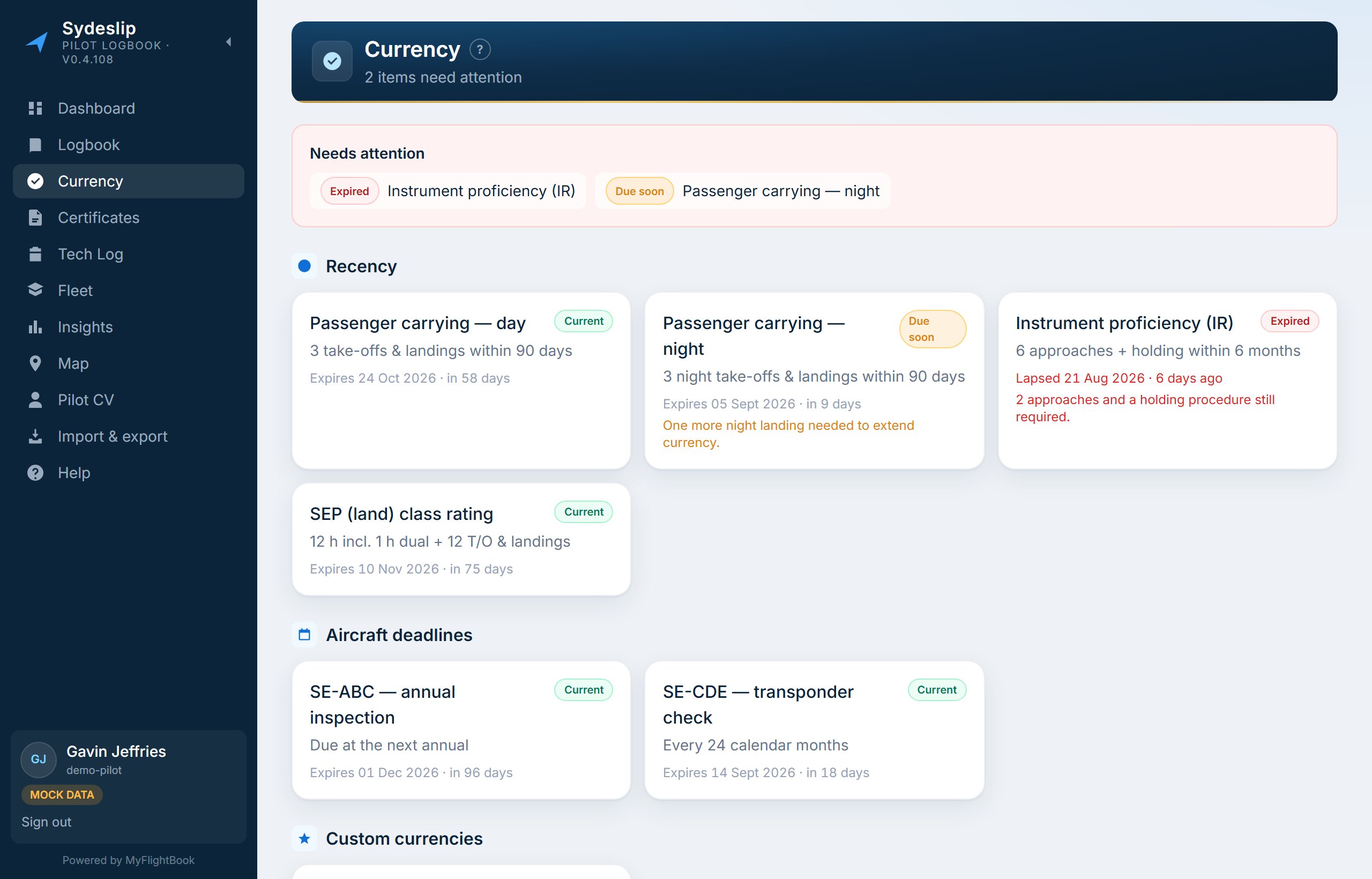
Currency without the arithmetic
Recent flight experience, custom rules and aircraft deadlines on one page, with medical, flight review, licences and ratings on their own.
Items that came from MyFlightBook are marked and stay read-only here. Your licences are the other way round — MyFlightBook has nowhere to keep them, so Sydeslip does.
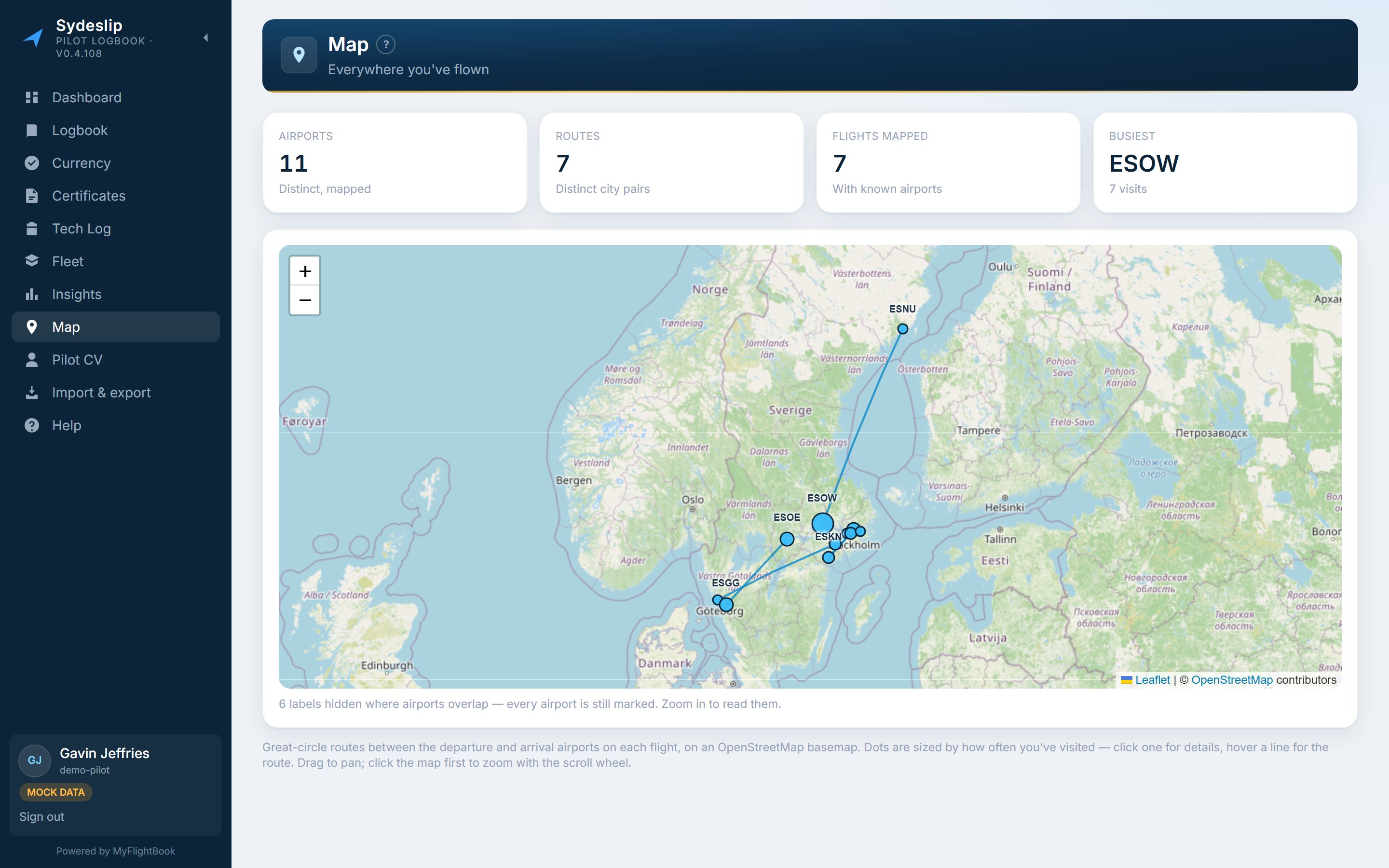
Every route you have flown
Drawn from a dataset of about 59,000 airports, resolved by ICAO, IATA, GPS or local code.
If a place is in the wrong spot — or is a strip or a seaplane base with no code at all — set its coordinates yourself. Yours take priority from then on, so this corrects a wrong position as well as filling a gap.
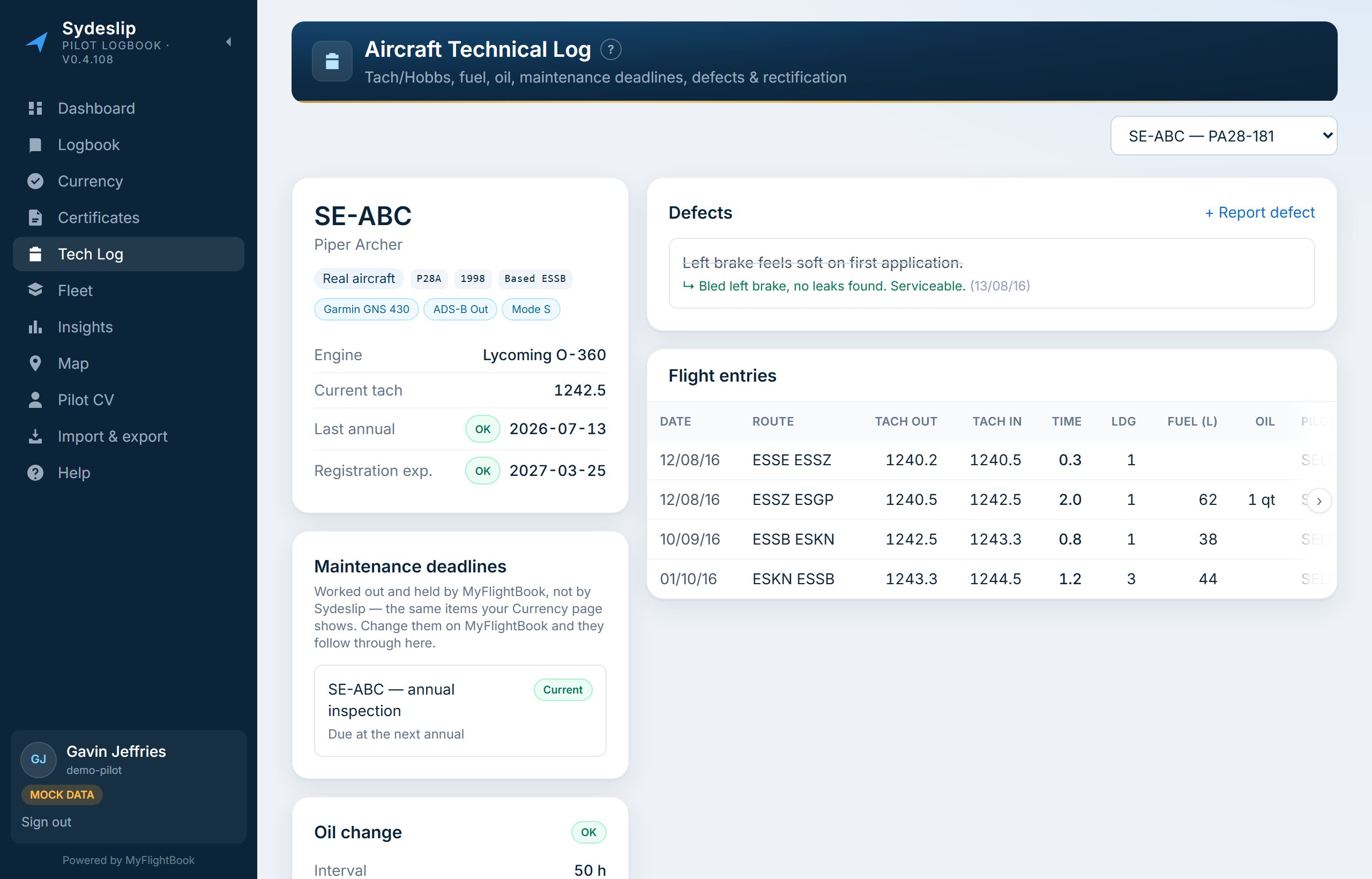
The maintenance side of the aircraft
Hours, cycles and the maintenance deadlines MyFlightBook is already tracking, per aircraft, with a defect list beside them.
Defects are Sydeslip's own — MyFlightBook has no snag record at all. Deadlines are read from MyFlightBook rather than duplicated, so they cannot drift out of step with the Currency page.
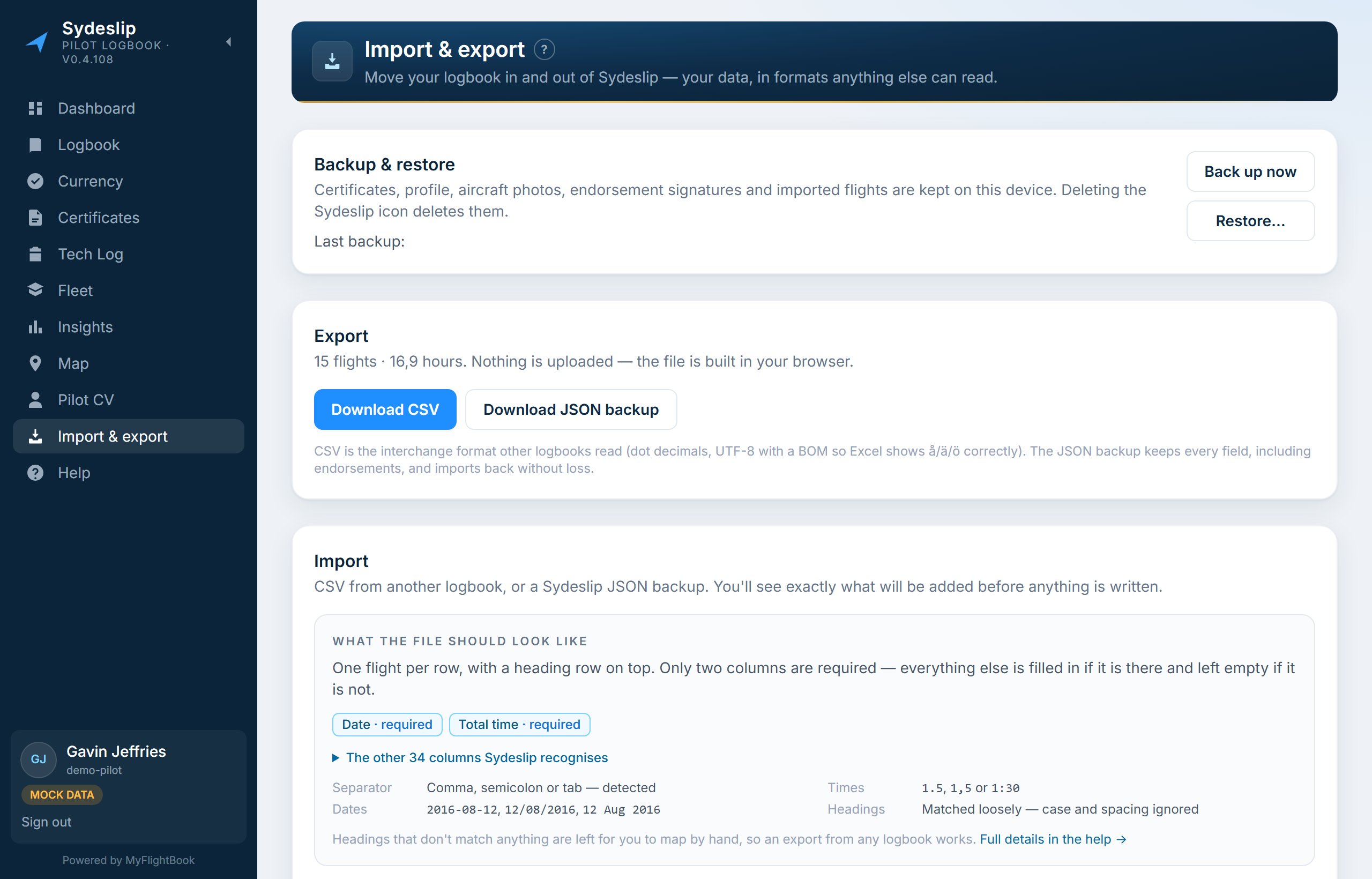
Bring your flights with you — and take them away again
Import a CSV from a spreadsheet or another logbook. Sydeslip matches the columns, shows you what it read and names what it could not read before anything is committed. The batch is written to MyFlightBook, and Undo removes exactly the flights it created.
Export writes the whole logbook back out as a CSV that Sydeslip can read again — every field it holds, round-tripped.
Your flying, summarised for whoever is asking.
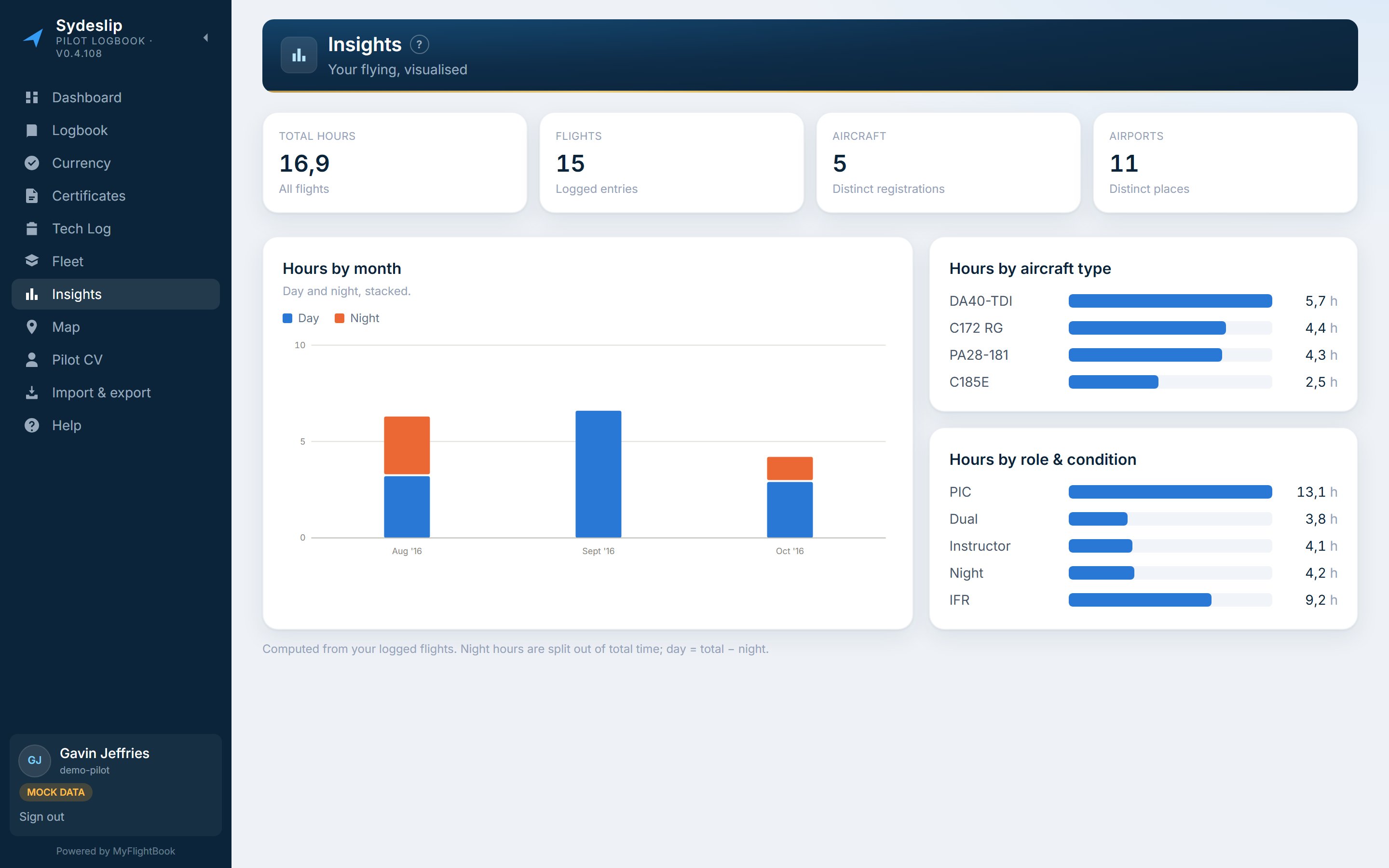
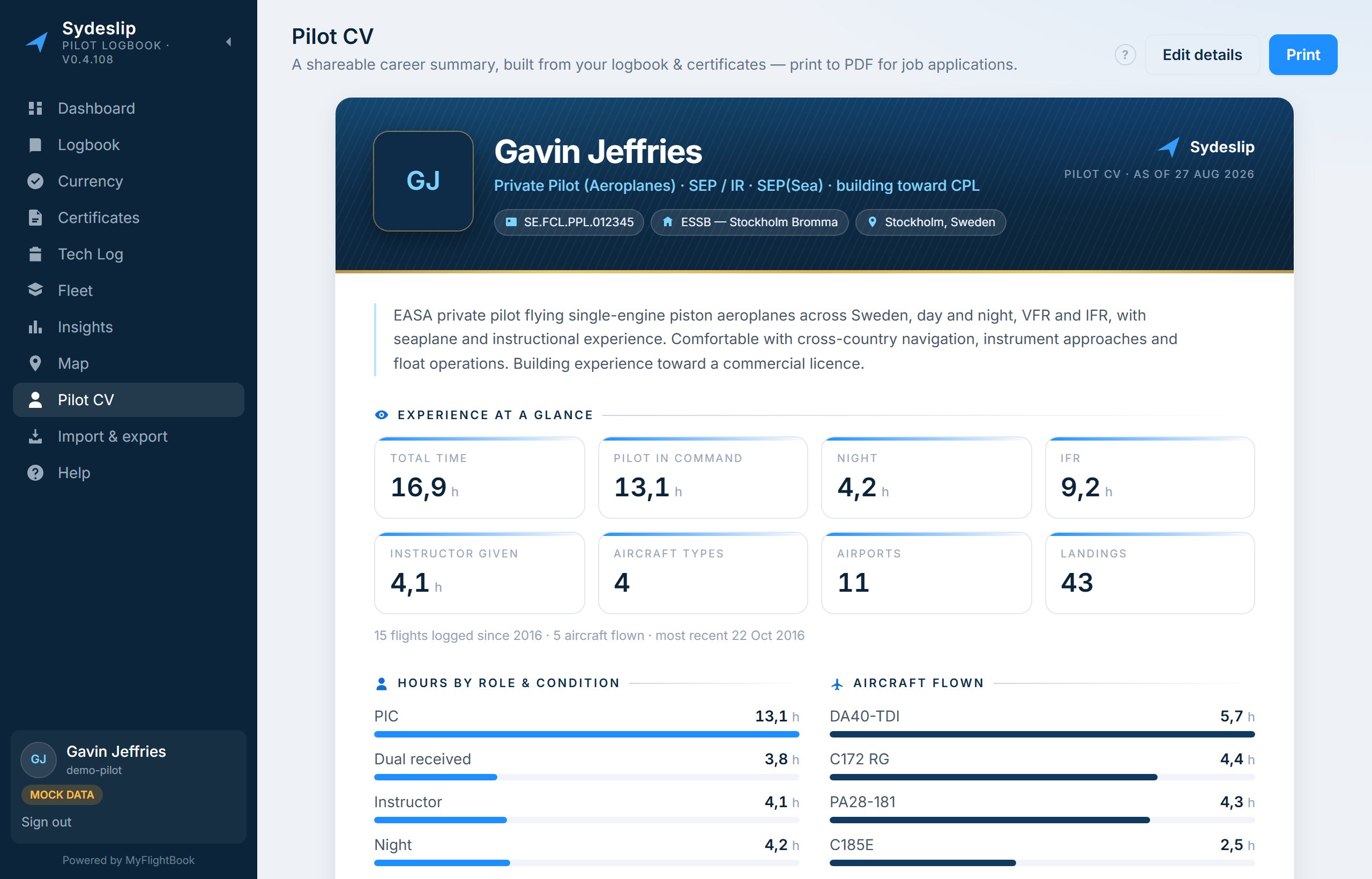
Screenshots show Sydeslip's built-in sample logbook, not anyone's real flights.
Short walkthroughs.
About two minutes each, covering the parts worth seeing before you try them yourself. No sound — the captions carry it, so they play anywhere.
The written guide covers the same ground in more detail — and every page in the app has a ? beside its title.
Where your records live.
In MyFlightBook
Your flights and your aircraft. Sydeslip signs in to your account and reads them; when you add, edit or import a flight it is written back there. Stop using Sydeslip tomorrow and nothing of yours has moved.
On your device
The handful of things MyFlightBook does not hold — licences and medical, aircraft photographs and notes, defects, corrected coordinates, signatures and certifications. They live in the browser's storage, and back up to a file whenever you like.
Nowhere else
Sydeslip has no server of its own holding your logbook. The hosted app is a static page and a thin sign-in helper: it stores nothing about you and keeps no account. The one request that leaves for a third party is the map's background tiles.
Back up your MyFlightBook logbook before you start. Sydeslip has been tested against MyFlightBook and it writes to your real logbook, so keep a copy of your own — that is good practice with any digital record, and it is your responsibility. Use Sydeslip at your own risk.
And what this is not. Sydeslip is not affiliated with, endorsed by, or operated by MyFlightBook — it is an independent front end that uses MyFlightBook's public interface, and you need a MyFlightBook account to use it. The Windows installer is not code-signed, so Windows will warn you about it; the install page explains what that means and publishes a SHA-256 you can check the file against. And neither the FAA nor the UK CAA nor EASA mandates a logbook form — they specify what must be recorded — so Sydeslip offers a logbook style and never claims to be an approved or official one.
Sign in with the account you already have.
Sydeslip is written by one pilot, for one pilot's logbook, and shared as it is. No account to make, no subscription, no trial.
Sydeslip needs an iPad or a computer — it is not built for phones.